
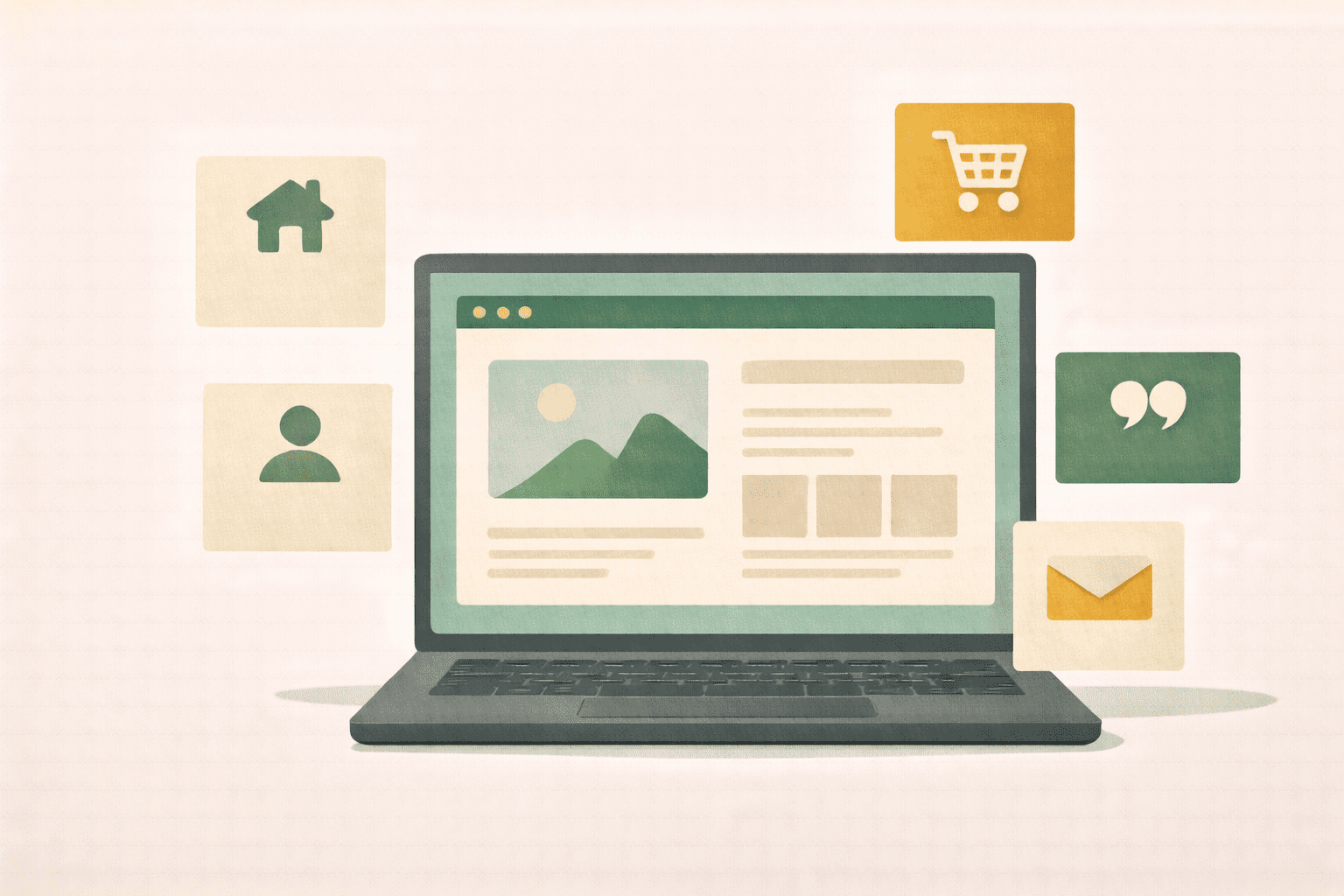
You don’t need a perfect website to start getting customers. You need the right pages, the right words, and the confidence to hit publish. Here’s the plan.
-
Use the pages that actually matter
-
Learn what you can skip (For now)
-
Choose a platform without losing your mind
-
Write your website copy (Keep it simple)
-
Apply the action step
You know you need a website. Everyone says so. Your business cards have a blank line where the URL should go. You have been meaning to get around to it for months — maybe longer.
But every time you sit down to start, you get pulled into a rabbit hole of templates, hosting plans, domain registrars, plugins, SEO tools, and design options. Three hours later you have twenty tabs open, a half-chosen color palette, and zero published pages. So you close the laptop, tell yourself you will deal with it next weekend, and the cycle repeats.
Here is what nobody tells you: your first website does not need to be impressive. It needs to exist. A simple, clear website that tells people who you are, what you do, and how to reach you will outperform no website every single time. And it will outperform a half-finished website that lives in draft mode forever, too.
The Five Pages That Actually Matter
You do not need twenty pages. You do not need a blog yet. You do not need an online store, a resource library, or an animated homepage with parallax scrolling.
You need five pages. That is it.
Home page. This is where most people land first. It should answer three questions within five seconds: What do you do? Who do you do it for? What should the visitor do next? A clear headline, a sentence or two of explanation, and a button that says something like “See My Services” or “Get in Touch” — that is a home page that works.
About page. This is consistently one of the most visited pages on any small business website, and most people write it wrong. It should not be your life story. It should be about your customer — their problem, why you understand it, and why you are the right person to help. Weave in your background, but frame everything through the lens of how it benefits the person reading.
Services or Products page. What do you offer? What does each thing include? What does it cost — or at least, what is the starting range? People should be able to look at this page and understand exactly what they are buying. Vague descriptions like “customized solutions tailored to your needs” tell people nothing. Be specific.
Contact page. Make it embarrassingly easy to reach you. A simple form, your email address, maybe a phone number if you want calls. If you serve a local area, include your city or region. Do not make people hunt for a way to get in touch.
Testimonials or social proof. This can be its own page or woven into your other pages. If you have happy customers, their words carry more weight than anything you write about yourself. Even two or three short quotes make a real difference.
That is your whole website. Five pages. Everything else is nice to have, and you can add it later once the foundation is solid.
What You Can Skip (For Now)
The internet is full of advice about what your website “must have,” and most of it is designed to sell you something. Here is what you can safely ignore when you are just getting started:
A blog. Yes, blogging is great for SEO and building authority. No, you do not need one on day one. Get your core pages up first. Add a blog when you are ready to commit to posting consistently — even once or twice a month.
An online store. If you sell physical products and want to take orders online, you will need this eventually. But if you sell services or your products are mainly sold in person or through DMs, a store adds complexity you do not need yet.
Fancy animations and effects. Sliding banners, pop-up videos, hover effects — they look cool on agency websites. For a small business getting started, they slow down your site, complicate the build, and distract from the message. Clean and simple wins.
A logo redesign. If you have a logo, use it. If you do not, use your business name in a clean font. Do not let the lack of a perfect logo keep you from launching. You can always update it later.
Perfection. This is the biggest one. Your website will never feel “done.” You will always want to tweak something. Launch it at 80 percent and improve as you go. A live website that is good enough will always beat a perfect website that does not exist yet.
Choosing a Platform Without Losing Your Mind
If you search “best website builder,” you will get a hundred different opinions. Here is the simple version.
If you want the most flexibility and you are willing to learn a little, WordPress is the standard. Most of the internet runs on it. You own your site, you can customize almost anything, and there are tools that make the design process visual — no coding required. The learning curve is real but manageable, especially with a good theme and page builder.
If you want the fastest path from zero to live, Squarespace or Wix are solid choices. They are more limited than WordPress in the long run, but they get you to a professional-looking site quickly with drag-and-drop editing.
The honest truth? The platform matters less than most people think. What matters is that you pick one, build your five pages, and get it live. You can always switch later if your needs change. Do not spend three weeks comparing platforms when you could spend three hours building one.
Writing Your Website Copy (Keep It Simple)
The words on your website matter more than the design. A beautiful site with confusing copy will not convert. A plain site with clear, compelling copy will.
Here are four rules that will serve you well:
Write like you talk. Read your website copy out loud. If it sounds like a brochure from 2005, rewrite it. Your website should sound like you explaining your business to a friend over coffee — clear, warm, and natural.
Lead with the problem you solve, not the service you offer. “Struggling to keep your books straight while running your business?” is a better headline than “Professional Bookkeeping Services.” The first one connects with a feeling. The second one states a category.
Use “you” more than “we” or “I.” Your website is not about you — it is about the person reading it. Every section should answer their unspoken question: “What is in this for me?”
Include a clear call to action on every page. Do not make people guess what to do next. “Book a free consultation,” “Send me a message,” “See pricing” — tell them the next step, every single time.
The Action Step
Here is your assignment: block out two hours this week. Not to research website builders. Not to browse templates. To write.
Open a blank document and write the text for your home page and your about page. Just the words — no design, no formatting, no overthinking. Use the guidelines above. Say what you do, who you do it for, and how to get started.
Once the words exist, putting them on a website is the easy part. The hard part — figuring out what to say — is what keeps most people stuck. Get that done and you are more than halfway there.
Your first website does not need to be a masterpiece. It needs to be a handshake — a clear, confident “here is who I am and how I can help.” Build that, and you have built the foundation everything else sits on.
Try It With AI
Ready to put this into action? Copy any of the prompts below, paste it into ChatGPT or Claude, fill in the [BRACKETS] with your info, and hit send. You will have a solid first draft in minutes.
Prompt 1: Write your five essential website pages:
Help me write the five essential website pages: (1) Home page – what you do, who it’s for, what to do next, (2) About page – your story and why you understand your customer, (3) Services/Products page – what you offer, what’s included, pricing, (4) Contact page – easy ways to reach you, (5) Testimonials – social proof. My business: [YOUR BUSINESS TYPE]. My offer: [DESCRIBE].
