
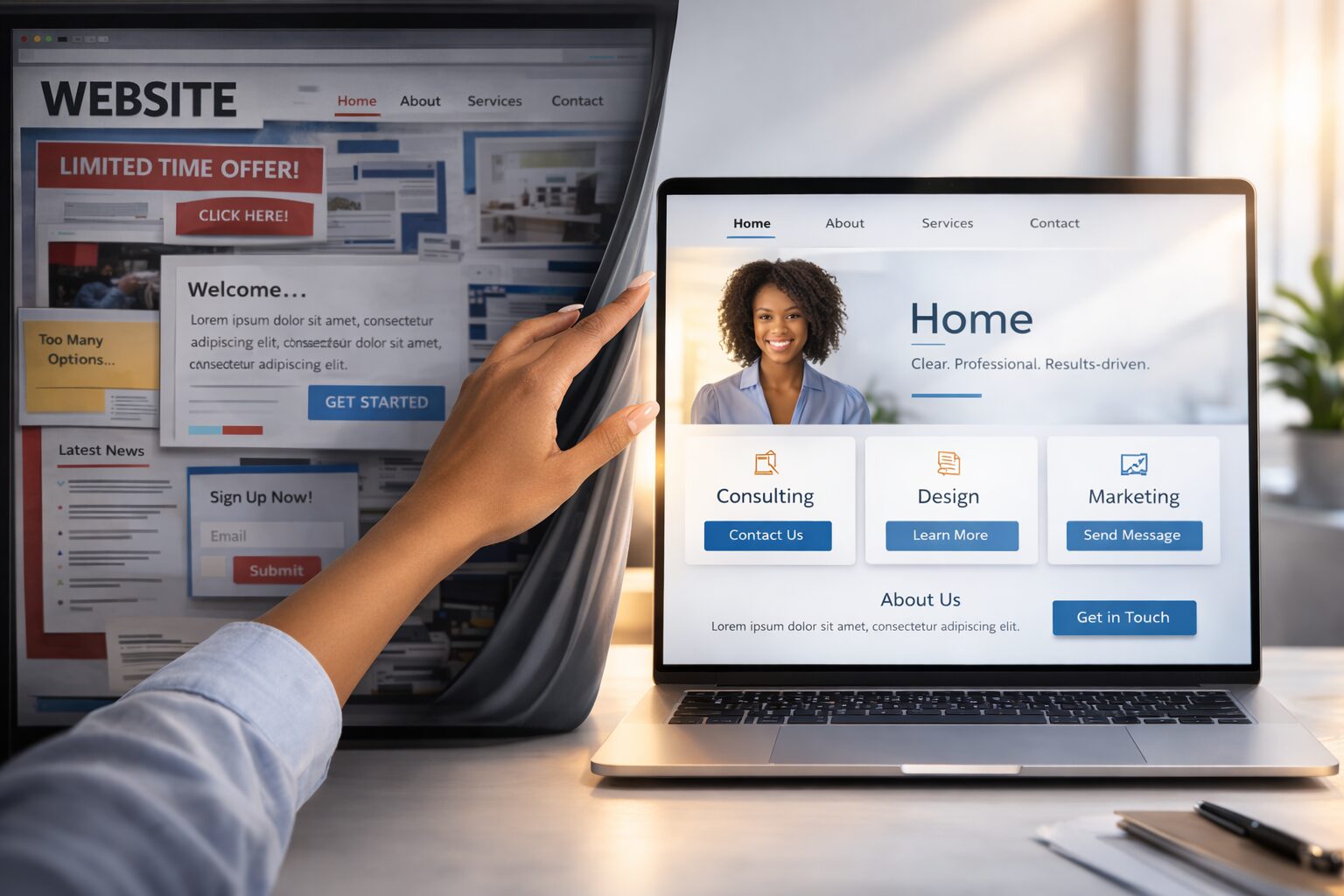
You don’t need a perfect website. You need four pages that do four jobs. Here’s exactly what to put on each one.
- The four pages every business website needs (and only these four)
- Exactly what goes on each page to answer critical questions
- What to avoid on each page (the things that waste visitor time)
- How to know if your website is actually working
- Why ‘good enough’ is way better than waiting for perfect
Let's get one thing straight: you don't need a perfect website to start getting customers. You don't need a designer. You don't need twenty pages. You don't need a blog, a podcast player, an animated logo, or a chat widget.
You need four pages that do four jobs. That's it.
If your website can answer these four questions clearly, it's doing everything it needs to do:
- What do you do? (Homepage)
- Why should I trust you? (About page)
- What can I get for free? (Free resource page)
- How do I buy? (Product or service page)
Let's walk through each one.
Page 1: Your Homepage
Your homepage is your storefront window. Most visitors will spend less than 10 seconds deciding whether to stay or leave. You need to pass three tests in those 10 seconds:
Test 1: "What is this?"
Your headline should tell someone exactly what you do and who it's for. Not clever. Not vague. Clear.
Good: "Simple social media help for busy small business owners"
Not good: "Empowering your digital transformation journey"
Test 2: "Is this for me?"
Your subheadline adds the benefit — what the visitor gets by sticking around.
Good: "Learn how to get more customers without spending money on ads"
Not good: "Join our community of forward-thinking entrepreneurs"
Test 3: "What do I do next?"
One clear action. Usually this is "Get the free guide" or "See how it works." Don't give people 6 options. Give them one.
What your homepage needs:
- A clear headline (what you do + who it's for)
- A subheadline (the main benefit)
- One primary action ("Get the free guide" or "Shop now")
- A quick section explaining the problem you solve
- A quick section showing how you help
- Social proof if you have it (testimonials, customer count, "As seen in")
What your homepage doesn't need:
- A slider or carousel (people ignore these)
- Your full life story (that's what the About page is for)
- Links to every social media platform (pick the one that matters)
- Music, animations, or auto-playing video
- Industry jargon or buzzwords
Page 2: Your About Page
Here's a secret: your About page isn't really about you. It's about your reader — specifically, why they should trust you to help them.
Yes, you'll share your story. But frame your story around why you understand their problem and why you're the right guide.
The structure that works:
Start with them:
"If you're a [type of person] who's been trying to [what they want] but keeps running into [their frustration], I get it. Because that was me."
Tell your story (briefly):
How you got into this. What you struggled with. What you learned. Keep it to 2-3 paragraphs. People want the highlights, not the autobiography.
Establish credibility:
What makes you qualified? This doesn't have to be a degree or certification. Experience counts. Results count. "I've helped 200 women launch their first product" is more powerful than "MBA in Marketing."
End with a connection point:
"I'm here to help you [get what they want] without [what they're afraid of]. Let's do this."
What your About page doesn't need:
- A chronological resume
- Corporate headshots (a warm, natural photo works better)
- Third-person language ("Jane Smith is a visionary leader" — please don't)
- Every award or credential you've ever earned
Page 3: Your Free Resource Page
This is where people give you their email address in exchange for something valuable. In the marketing world, this free giveaway goes by different names — but all it really means is: something useful you give away for free that starts a relationship.
What makes a good free resource:
- It solves one specific problem your ideal customer has
- It gives a quick result (something they can use or learn in under 15 minutes)
- It's genuinely useful, not just a sales pitch in disguise
- The title tells them exactly what they'll get
Good examples: a checklist, a cheat sheet, a short guide, a template, a quiz, a video tutorial.
What the page needs:
- A headline focused on the result ("Get the 5-Step Checklist for Your First 100 Email Subscribers")
- 3-5 bullet points describing what's inside
- An email signup form (name + email is enough)
- A privacy note ("We'll never spam you. Unsubscribe anytime.")
What it doesn't need:
- A long sales pitch
- A 47-field form asking for their life story
- Vague promises ("Get our exclusive content")
Page 4: Your Product or Service Page
This is where you make money. Whether you sell a physical product, a digital download, a service, or a course — you need one page that clearly explains what someone gets and how to buy it.
What the page needs:
- A headline focused on the result the buyer gets
- A clear description of what's included
- The price (don't hide it — people leave when they can't find the price)
- A buy button or booking link
- At least one testimonial or customer result (if you have them)
- An FAQ section addressing common concerns
What it doesn't need:
- A 3,000-word sales letter (unless you're selling something expensive)
- Fake urgency ("Only 2 left!" when there's unlimited stock)
- Complicated pricing tiers (start with one simple offer)
- Jargon about features — focus on what the buyer gets out of it
What About a Blog?
A blog is valuable, but it's not essential to start. If you have these four pages up and running, you have a functional business website. You can add a blog later when you're ready to create regular content.
If you do start a blog, keep it focused: each post should answer one question your ideal customer is asking. That's it. You don't need to publish every week. Once or twice a month with something genuinely helpful beats daily posts nobody reads.
Which Website Builder Should I Use?
You have lots of options, and most of them work fine for a simple four-page site. Here's the quick version:
- If you want the simplest option: Wix or Squarespace. Drag-and-drop builders that don't require any technical knowledge.
- If you want the most flexibility: WordPress. More powerful but slightly steeper learning curve. (That's what we use at Marketer Blvd.)
- If you're selling products: Shopify for physical products. Your website builder of choice for digital products.
Want a deeper comparison? Read Free vs. Paid Website Builders: A Plain-Language Comparison.
What to Do Next
- Check your current website (or plan your new one) against the four-page framework above.
- Write the content for each page. If you need help, Prompt #3 in The ChatGPT Cheat Code gives you a ready-to-use AI prompt for writing all four pages.
- Don't wait until it's perfect. Get it live, then improve over time.
Your website doesn't need to be beautiful. It needs to be clear. Clear beats pretty every single time.
Try It With AI
Ready to put this into action? Copy any of the prompts below, paste it into ChatGPT or Claude, fill in the [BRACKETS] with your info, and hit send. You'll have a solid first draft in minutes.
Prompt 1: Write Your Homepage:
Write a homepage for [YOUR BUSINESS]. The page needs: 1) A clear headline that says what I do and who it’s for, 2) A subheadline with the main benefit, 3) A short description of the problem I solve and how I help, 4) Social proof if you have it. Keep the tone warm and clear. Make someone decide in 10 seconds whether to stay or leave—and give them a reason to stay.
Prompt 2: Write Your About Page:
Write an About page for [YOUR BUSINESS]. Start with the reader: ‘If you’re a [type of person] who [their struggle], I get it. Because that was me.’ Then tell my origin story in 2-3 paragraphs, explain what makes me qualified, and end with a connection statement. The whole thing should feel like a friend explaining who they are and why they can help.
Prompt 3: Create Your Sales Page Copy:
Write a product/service page for [YOUR OFFERING]. Lead with the result the buyer gets, not just what it is. Include: what’s inside, the price, how to buy, and at least one testimonial or customer result. Keep it honest and specific. No fluff, no fake urgency.
Clear beats pretty. Your website doesn’t need animations or sliders or tons of pages. It needs to answer four questions clearly so someone knows if you can help them. You just built that.
