
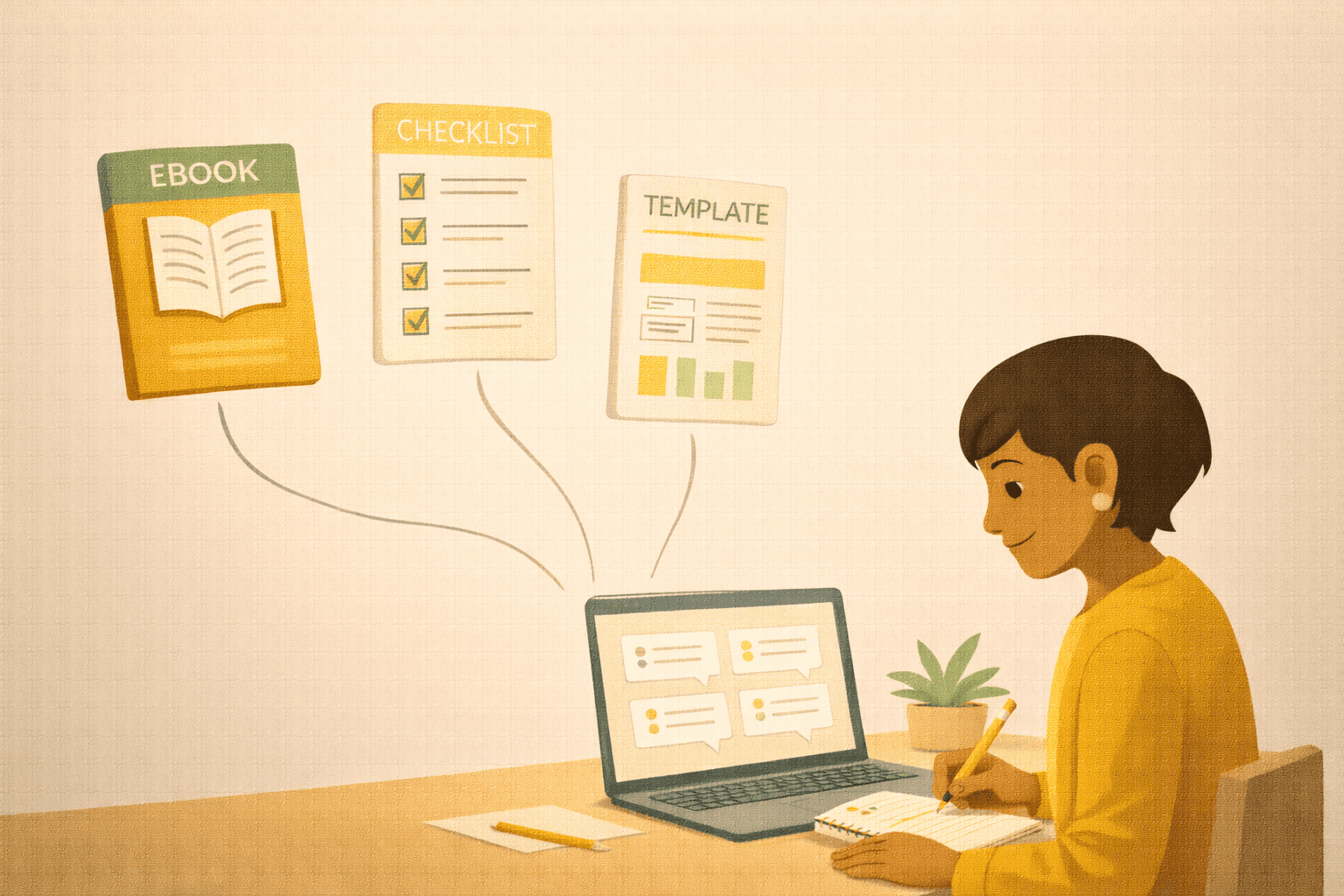
A digital product lets you make money without trading more hours for dollars. Here’s how to pick the right idea and get your first one out the door.
-
See how to pick the right idea
-
Validate before you build
-
Build it without overthinking
-
Pricing your first product
-
Where to sell it
Creating Your First Digital Product: From Idea to Income
You have been trading time for money since you started your business. Every dollar you earn requires you to show up, do the work, and deliver. Which is fine — until you get sick, take a vacation, or simply run out of hours in the day. There is a ceiling on how much you can earn when every dollar depends on your personal labor.
A digital product changes that equation. An ebook, a template pack, a mini-course, a printable guide, a checklist — something you create once and sell over and over without having to deliver it individually each time. It is not a get-rich-quick scheme. It is a smart way to expand your income beyond the hours you can personally work.
And here is the part that surprises most people: your first digital product does not need to be a massive course or a 200-page ebook. It can be small, focused, and simple. In fact, smaller is usually better for your first one.
How to Pick the Right Idea
The biggest trap with digital products is spending weeks building something nobody wants. The fix is simple: create something that solves a specific problem your audience has already told you about.
Think about the questions you get asked most often. The advice you find yourself repeating to clients. The step-by-step process you walk people through again and again. That repetition is a signal. If you keep explaining the same thing, there are more people out there who need that same explanation and would happily pay for a well-organized version of it.
A few idea starters that work well for a first digital product:
A checklist or cheat sheet that simplifies a complicated process. Think “The Complete Checklist for Planning a Holiday Market Booth” or “A Week of Social Media Captions — Fill in the Blanks.”
A template pack that saves people time. Canva templates, email templates, spreadsheet templates, business plan templates — anything that lets someone skip the blank-page problem.
A short guide (10 to 30 pages) that teaches one specific skill. Not “Everything You Need to Know About Photography” — more like “How to Take Product Photos With Your Phone in 20 Minutes.”
A mini-course (3 to 5 short video lessons) that walks through a process step by step. Recording yourself talking through a process you already know is faster than you think.
The pattern: pick one problem, make it specific, and solve it thoroughly.
Validate Before You Build
Before you invest days or weeks creating your product, take ten minutes to validate the idea. Validation does not mean running a survey or building a focus group. It means checking whether real people actually want what you are planning to make.
Post about the topic on social media and see how people respond. “I have been thinking about putting together a [product idea]. Would this be useful to you?” If people say yes, ask what specifically they would want included.
Look at your email replies, DMs, and customer conversations. Are people asking for help with this topic? If the demand already exists in your inbox, you do not need to manufacture it.
Check if similar products exist. If they do, that is actually a good sign — it means there is a market. Your job is to make yours better, more specific, or more aligned with your particular audience.
Building It Without Overthinking
Here is where most people stall. They start building and then get caught in an endless loop of perfectionism. The ebook is never quite polished enough. The course needs one more module. The templates need one more variation.
Set a time limit. For a first digital product, give yourself one to two weeks from start to finish. That is enough time to create something truly useful without overengineering it.
For a guide or ebook, write it in a Google Doc or Word document first. Get the content right. Then format it simply — clean fonts, a few headers, maybe your logo and brand colors. Export it as a PDF. Done.
For templates, create them in whatever tool your audience uses. Canva templates for visual businesses. Spreadsheet templates for people who need to track numbers. Email templates in a simple document. Package them in a single download.
For a mini-course, record your screen or yourself using your phone or a free tool like Loom. You do not need professional production. You need clear teaching and decent audio. If someone can hear you and follow along, the production quality is good enough.
The most important principle: version one just needs to be useful. It does not need to be perfect. You can improve it later based on feedback from people who actually buy it.
Pricing Your First Product
Pricing a digital product feels different from pricing a service because there is no hourly rate to anchor to. A few guidelines that help.
Price based on the value of the outcome, not the size of the file. A one-page checklist that saves someone ten hours of work is worth more than a 50-page ebook full of generic advice.
Look at what similar products sell for in your market. You do not need to match those prices exactly, but they give you a range. Most first digital products for small business audiences sell between $9 and $49. Some sell for more, depending on the depth and specificity.
If you are nervous about pricing, start at a price that feels slightly uncomfortable. If $19 feels easy and $29 makes you a little anxious, go with $29. You can always adjust. But most people underprice their first product and leave money on the table.
Offer a simple guarantee if it makes you feel better. “If this does not help you, I will refund your money.” That lowers the risk for the buyer and usually increases sales more than it increases refund requests.
Where to Sell It
You do not need a complicated e-commerce setup. A few simple options work perfectly for a first product.
Your own website with a payment tool like Gumroad, Payhip, or Lemon Squeezy. These platforms handle payment processing, file delivery, and even sales tax. You just upload your product, set a price, and share the link.
Your email list. Send a series of emails about the topic your product covers, then introduce the product as the next step. People who are already on your list are the most likely buyers because they already know and trust you.
Social media. Share what the product covers, who it is for, and what problem it solves. Link to the sales page. Repeat periodically — not daily, but regularly enough that your followers know it exists.
Do not try to sell on six platforms at once. Start with one — usually your website or email list — and expand from there once you have a feel for what works.
After the Launch
Your first launch might sell ten copies. It might sell fifty. It might sell three. All of those numbers are fine because the goal of your first digital product is not to retire on passive income. It is to learn the process and prove to yourself that you can create something people will pay for.
Pay attention to what buyers say. Do they mention a specific section that was especially helpful? That tells you what to create more of. Do they ask a follow-up question the product did not cover? That is your next product idea.
Over time, a small library of digital products creates a revenue stream that compounds. Each product brings in a trickle of income. Multiple trickles become a stream. And unlike client work, that stream does not stop when you take a day off.
The Action Step
Write down the three questions your audience asks you most often. Pick the one you could answer most thoroughly in a short guide, a template pack, or a checklist.
Now outline it. What are the main sections? What steps would you walk someone through? What would the finished product look like?
Give yourself a deadline — two weeks from today — to have version one ready. It does not need to be beautiful. It needs to be useful. That is how every great digital product starts: one specific problem, one clear solution, one person willing to hit publish.
Try It With AI
Ready to put this into action? Copy any of the prompts below, paste it into ChatGPT or Claude, fill in the [BRACKETS] with your info, and hit send. You will have a solid first draft in minutes.
Prompt 1: Choose one question and outline a digital product:
I want to create a digital product based on a question my audience asks often: ‘[THEIR QUESTION]‘. I’m thinking of making a [CHECKLIST/GUIDE/TEMPLATE/MINI-COURSE]. Can you help me outline it? What should the main sections be? What’s the best way to structure this to be immediately useful? It’s for [YOUR IDEAL CUSTOMER] who need help with [SPECIFIC PROBLEM].
Prompt 2: Create version one of your digital product:
I’m creating my first digital product—a [PRODUCT TYPE: CHECKLIST/GUIDE/TEMPLATE/COURSE] about [TOPIC]. The working title is ‘[TITLE]‘ and it’s for [YOUR IDEAL CUSTOMER]. Can you help me write/outline the content? I need [SPECIFIC SECTIONS/CHECKLISTS/TEMPLATES]. Keep it to [LENGTH] pages/sections. It should show my method and be immediately useful, not a comprehensive textbook.
Prompt 3: Set a price for your digital product:
I’m pricing my new digital product: [PRODUCT NAME]. It’s a [PRODUCT TYPE] that takes about [TIME FRAME] to use/complete and solves [SPECIFIC PROBLEM] for [YOUR IDEAL CUSTOMER]. Based on the value it delivers and similar products, what price range would make sense? Should I start at $9, $19, $29, $47, or higher? Give me your reasoning.
