
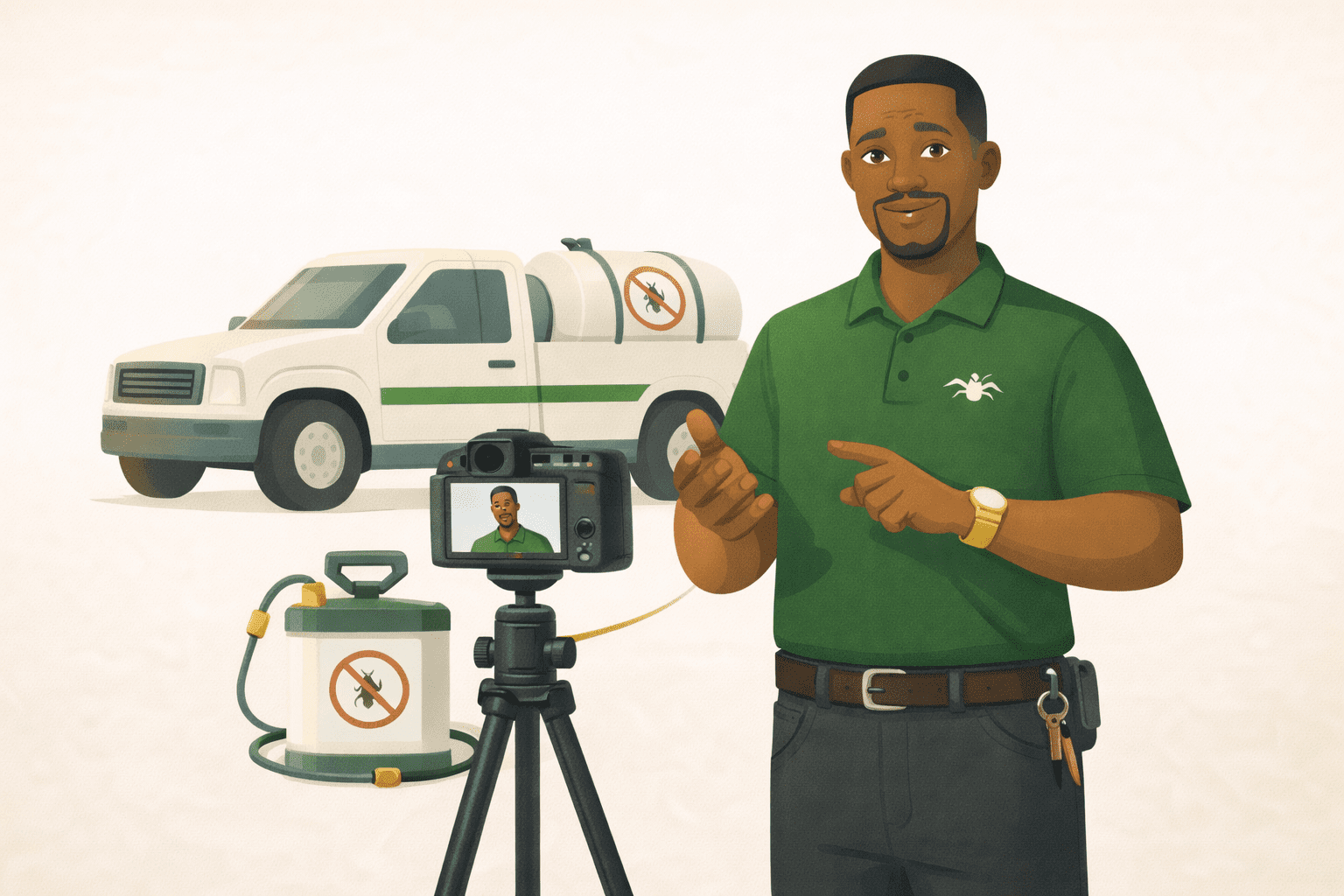
Video gets more attention and more trust than almost anything else online. Here’s how to do it even if the thought of being on camera makes you cringe.
-
Understand why video works even when it is not perfect
-
Apply the “Talk to one person” trick
-
Use the easiest video formats
-
Practical setup that takes five minutes
-
Get through the first ten videos
You know video is important. Every marketing article, every social media guru, every trend report says the same thing: video gets more engagement, more trust, more reach. You should be making videos.
And every time you think about it, your stomach tightens. You do not like how you look on camera. You do not like how you sound. You do not know what to say. You watched yourself back once and immediately deleted the file. The whole thing feels awkward, forced, and deeply uncomfortable.
Here is what nobody tells you: most of the business owners you see making great video content felt exactly the same way when they started. They are not natural performers. They are regular people who found ways to show up on camera that felt manageable, got easier with practice, and eventually became one of the best things they ever did for their business.
You do not need to love being on camera. You just need a few tricks to make it bearable — and then repetition takes care of the rest.
Why Video Works Even When It Is Not Perfect
The reason video builds trust faster than any other content format is that people can see and hear you. They get your facial expressions, your tone of voice, your energy. These are things that text and photos simply cannot communicate.
And here is the counterintuitive part: polished, overly produced videos often build less trust than casual, real ones. When you look like you hired a production crew, viewers admire the content but do not connect with you personally. When you look like a real person talking to another real person, they feel like they know you.
The bar for video quality is much lower than you think. Good audio, decent lighting, and something worth saying. That is the entire formula. You do not need a studio. You do not need a script teleprompter. You need your phone, a window, and something helpful to share.
The “Talk to One Person” Trick
The biggest reason people feel awkward on camera is that they are trying to talk to an audience. An invisible, unknown, potentially judgmental audience. That is terrifying for most humans.
The fix: pick one specific person. A real client, a friend, a family member who asks you about your work. Picture that one person standing just behind the camera. Now talk to them.
You are not addressing the masses. You are explaining something to someone you like and want to help. The shift is subtle but it changes everything — your tone gets warmer, your language gets simpler, your face relaxes, and you stop performing.
The Three Easiest Video Formats
You do not need to create cinematic masterpieces. Start with formats that are simple, forgiving, and naturally engaging.
The quick tip. Pick one small, useful piece of advice and share it in 30 to 60 seconds. “Here is one thing I wish every client knew before booking…” or “The biggest mistake people make with [your topic] is…” Quick tips are easy to record because you are saying something you already know by heart. No script needed.
The behind-the-scenes. Show people what your work actually looks like. Packing an order. Setting up for a session. Prepping a recipe. Working on a project. You do not even need to be on camera for all of it — you can show your hands, your workspace, your process while narrating. This is the lowest-pressure format because the focus is on the work, not on you.
The answer-a-question. Take a question you get asked regularly and answer it on camera. “Someone asked me the other day how to…” This format feels natural because you are responding to a real question, not performing. And it positions you as an expert who is generous with knowledge.
Practical Setup That Takes Five Minutes
Lighting: Face a window. Natural light from the front is the single most flattering, professional-looking light source. If you are recording at night or in a room without windows, a cheap ring light or desk lamp placed in front of you works fine. The key is that the light should be in front of your face, not behind you.
Audio: Use your phone’s built-in microphone, but get close to it. Arm’s length is about right. If you are further away, the audio picks up room echo and background noise. If you want to invest in one thing, a clip-on lavalier microphone (around $15 to $25) makes a noticeable difference.
Background: Keep it simple. A clean wall, a bookshelf, your workspace. It does not need to be Instagram-perfect. It just needs to not be distracting. A pile of laundry in the background will pull attention away from what you are saying.
Camera placement: Hold your phone at eye level or slightly above. Below eye level (like a phone propped on a desk) creates an unflattering upward angle. Prop your phone on a stack of books, use a cheap tripod, or ask someone to hold it at the right height.
Getting Through the First Ten Videos
The first video will feel terrible. Record it anyway. The second will feel almost as bad. Record it anyway. By the fifth or sixth, something shifts. You start to relax. Your natural personality comes through. The words flow more easily.
The secret that every confident video creator knows is that confidence does not come before action. It comes from action. You do not feel ready and then start making videos. You start making videos and then gradually feel ready.
A few practical tips for pushing through the uncomfortable phase. Do not watch yourself back immediately — post it and move on. Set a timer to keep videos short so there is less pressure. Record multiple takes and pick the best one, but do not record more than three — perfectionism is the enemy. And remember that nobody is watching your content as critically as you are.
What to Do With Your Videos
Post them where your audience already is. Instagram reels and stories, Facebook, TikTok, YouTube shorts — pick one platform to start. You can expand later.
Add a caption or text overlay. Many people watch video with the sound off, especially on social media. A few lines of text on screen make your video accessible to everyone.
Repurpose the content. A 60-second video can become a social media caption (just write out what you said). A series of quick tips can become a blog post. The work you put into one video can fuel content across multiple platforms.
Do not worry about going viral. Your goal is not millions of views. Your goal is for the people who already follow you — and the ones who are about to discover you — to see your face, hear your voice, and start building the kind of trust that only video creates.
The Action Step
Record a 30-second video right now. Just one quick tip from your area of expertise. Stand near a window, hold your phone at eye level, look at the lens, and talk to one person.
It does not need to be good. It needs to exist. Post it — or if that feels like too much, save it and post it tomorrow. The goal is to prove to yourself that the world does not end when you show up on camera. Once you have that proof, the second video gets a little easier. And the third. And the tenth.
The person your ideal customer needs to see is you. Not a polished version of you. The real one.
Try It With AI
Ready to put this into action? Copy any of the prompts below, paste it into ChatGPT or Claude, fill in the [BRACKETS] with your info, and hit send. You will have a solid first draft in minutes.
Prompt 1: Script and plan your first video:
Help me plan my first video for [SOCIAL PLATFORM]. I want to make a quick tip video (30-60 seconds). Topic: [YOUR TOPIC]. Who am I talking to? [DESCRIBE YOUR AUDIENCE]. What’s the one main tip I’m sharing? [TIP]. Write a simple script – just natural words I’d say to a friend. No fluff, just the idea and how to use it.
