
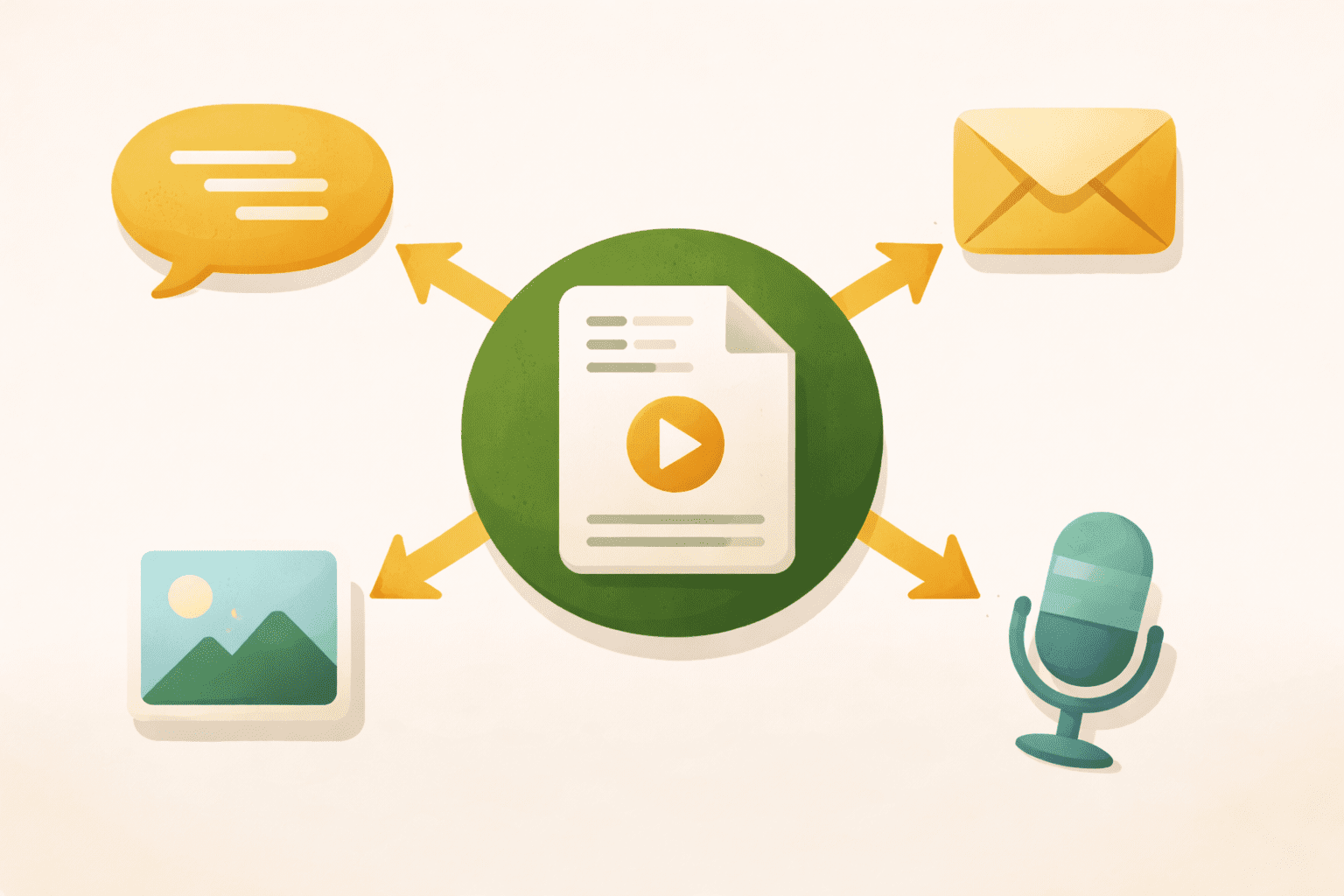
You don’t need five original ideas every week — you need one good idea, used five different ways. Here’s the system that makes that work.
-
Understand why repurposing works better than you think
-
Start With One Strong Piece
-
Piece one: the email
-
Piece two: the social media teaching post
-
Piece three: the quote or insight graphic
How to Repurpose One Piece of Content Into Five
You know you should be posting on social media, sending emails, writing blog posts, and maybe even making videos. But you are also running a business — serving clients, managing orders, answering questions, keeping the whole operation moving. Finding time to create content for every platform feels impossible because, realistically, it kind of is.
Here is the good news: you do not need to create something new for every platform. You need to create one solid piece of content and then reshape it to work everywhere else. One idea, five formats, a fraction of the effort.
Content repurposing is not about being lazy. It is about being smart with the time and energy you have. The best marketers in the world do this constantly. They just do not talk about it because it looks like they are everywhere creating original content all the time. They are not. They are recycling strategically.
Why Repurposing Works Better Than You Think
Most of your audience will never see most of your content. Your email subscribers might not follow you on social media. Your Instagram followers probably do not read your blog. The people who catch your Facebook post on Tuesday might miss your story on Thursday.
That means you can share the same core idea across multiple platforms and it will feel fresh to almost everyone who sees it. You are not being repetitive — you are being thorough.
Repurposing also reinforces your message. Marketing research consistently shows that people need to encounter an idea multiple times before it sticks. When the same concept shows up in a blog post, then an email, then a social caption — each time framed slightly differently — it builds familiarity and trust.
Start With One Strong Piece
The system works best when you begin with a longer, meatier piece of content. A blog post is ideal because it is detailed enough to break apart. But a long email, a video, a podcast episode, or even a workshop you taught can work just as well.
The key is that your starting piece needs enough substance to pull from. A two-sentence social media caption does not give you much to work with. A 1,200-word blog post gives you plenty.
For this walkthrough, let us say you just wrote a blog post about how to write better email subject lines. It covers why subject lines matter, five formulas that work, common mistakes to avoid, and an action step. That is your anchor content. Now let us turn it into five additional pieces.
Piece One: The Email
Take the core insight from your blog post and rewrite it as a short, conversational email to your list. You do not need to include everything — just the hook and the most useful takeaway.
“You know that feeling when you spend twenty minutes writing the perfect email and then realize nobody opened it? The problem is almost always the subject line. Here are two quick formulas that work every time…”
Link back to the full blog post for readers who want to go deeper. Now you have driven traffic to your blog and given your email subscribers something useful — all from content you already created.
Piece Two: The Social Media Teaching Post
Pull one specific tip or formula from the blog post and turn it into a standalone social media caption. Pick the most actionable one — the piece of advice someone could use immediately.
“The easiest email subject line formula I know: [Number] + [Benefit] + [Timeframe]. Example: ‘3 Ways to Get More Replies This Week.’ It is specific, it promises a clear result, and it takes five seconds to write. Try it on your next email and see what happens.”
That is a complete social media post. You did not have to brainstorm anything new. You just extracted one idea from the blog post and reformatted it.
Piece Three: The Quote or Insight Graphic
Find the single most quotable sentence from your blog post — the line that would make someone stop scrolling and think “I needed to hear that.” Turn it into a simple text graphic.
Something like: “Nobody opens an email because of what is inside. They open it because the subject line made them curious.”
You can create this in Canva in about three minutes. Plain background, clean font, your brand colors. It works on Instagram, Facebook, Pinterest, and LinkedIn. No design skills required.
Piece Four: The Story or Short Video
Take the opening anecdote or the main problem from your blog post and talk about it casually on camera or in a story format. You do not need to recite the whole article. Just share the problem and one solution in sixty seconds or less.
“Real talk — I spent years writing emails that nobody opened. Then I learned that the subject line is the only thing that matters if nobody clicks. Here is the one formula that changed everything for me…” Then share the formula and invite people to check out the full post.
Stories, reels, and short videos do not need to be polished. They need to be real and useful. The content from your blog post gives you the substance. The format just changes how you deliver it.
Piece Five: The List or Carousel
If your blog post includes a list — five formulas, seven mistakes, three steps — turn it into a multi-slide carousel or a numbered list post. Each slide or point gets one idea with a brief explanation.
Slide 1: “5 Email Subject Line Formulas That Get Opens”
Slide 2: “The number formula: [Number] + [Benefit]”
Slide 3: “The curiosity formula: ‘The one thing I wish I knew about…'”
And so on.
Carousels get saved and shared at a high rate because they feel like a mini-guide. And you already did all the thinking when you wrote the blog post. You are just packaging it differently.
The Weekly System
Once you see how this works, you can build it into a repeatable weekly routine.
Write one blog post or create one anchor piece of content early in the week. Then spend an hour breaking it into the five formats above. Schedule them across the week so you have consistent content going out every day without creating something new every day.
Monday: Publish the blog post. Tuesday: Send the email with a link to the post. Wednesday: Post the teaching caption on social media. Thursday: Share the quote graphic. Friday: Post the carousel or short video.
You just filled an entire week of content from one idea. Next week, you do it again with a new topic.
When to Repurpose Old Content
Repurposing is not just for new content. If you wrote a blog post six months ago that performed well, bring it back. Update it if anything has changed, then run it through the same system. Your audience today is not the same as your audience six months ago. Many of them never saw the original.
Seasonal content is especially good for recycling. That holiday marketing tips post from last year? Update the examples and repurpose it again this year. The core advice probably has not changed.
The Action Step
Pick one blog post, email, or long social media caption you have already created — something with real substance. Now pull five pieces from it using the system above: an email, a teaching caption, a quote graphic, a story or short video, and a carousel or list post.
Write or draft all five in one sitting. It will take less time than you think because the hard part — the thinking — is already done. You are just reshaping.
Then do this every week. One anchor piece, five outputs. That is how you show up consistently without losing your mind.
Try It With AI
Ready to put this into action? Copy any of the prompts below, paste it into ChatGPT or Claude, fill in the [BRACKETS] with your info, and hit send. You will have a solid first draft in minutes.
Prompt 1: Write one blog post or create one anchor piece of substantial content:
I need to write a blog post for my [TYPE OF BUSINESS] audience. The topic is [TOPIC]. My ideal customer is [TARGET CUSTOMER] and they struggle with [MAIN PROBLEM]. Write a comprehensive 1200-1500 word blog post that: 1) Opens with why this problem matters, 2) Explains 3-5 key solutions or concepts, 3) Includes an action step. Use a friendly, plain-language tone like you’re talking to a friend. Title: [SUGGESTED TITLE]
Prompt 2: Turn the blog post into a short email for your list highlighting the main insight and linking to the full post:
I just wrote a blog post titled ‘[BLOG POST TITLE]‘ about [MAIN TOPIC]. Turn the key insight into a short email (100-150 words) for my email list that teases the content and makes them want to click through to read the full post. Use a conversational tone. Subject line: ‘[ENGAGING SUBJECT]‘
Prompt 3: Create a social media teaching post pulling one specific, actionable tip from the blog post:
From my blog post about [BLOG POST TOPIC], pull out the single most useful, actionable tip and turn it into a standalone Instagram/LinkedIn/Facebook post (1-2 paragraphs max). Make it specific enough that someone could use it immediately. Include an example or quick formula if possible. Keep it conversational and friendly.
Prompt 4: Design a quote graphic with the most quotable line from the blog post:
From my blog post about [TOPIC], what’s the single most powerful, quotable sentence – the kind of thing someone would want to pin and remember? Give me 2-3 options formatted as a standalone quote that would work as a graphic on Instagram, Pinterest, or Facebook. Something that would make someone stop scrolling.
Prompt 5: Create a 60-second video or story format version of the main problem and one solution from your post:
Turn my blog post about [TOPIC] into a casual 60-second video script or Instagram story format. Start by describing the problem or frustration, then share one key solution or insight. Write it like you’re talking to camera – conversational, real, not polished. Include a call-to-action at the end to check out the full post.
Prompt 6: Create a multi-slide carousel with the list or main points from your blog post, one per slide:
My blog post lists [NUMBER] key points or tips about [TOPIC]. Turn this into a carousel post (5-7 slides) for Instagram or LinkedIn. Slide 1 is the title/hook, then each subsequent slide covers one point with a brief explanation. Keep each one scannable – 1-2 sentences max per slide. Make it feel like a mini-guide someone would want to save.
